
Ticket Information
Tickets for Bryce Jordan Center concerts and events can be purchased online through Ticketmaster, the official ticketing partner of the Bryce Jordan Center.
For the latest event announcements, ticket on-sale information and event updates, visit the Bryce Jordan Center website and follow the Bryce Jordan Center on social media. Sign up for BJC Insiders to receive access to select presales, event news and more!
Phone: (814) 865-5555
E-mail: bjc@psu.edu

Ticket Office Location & Hours
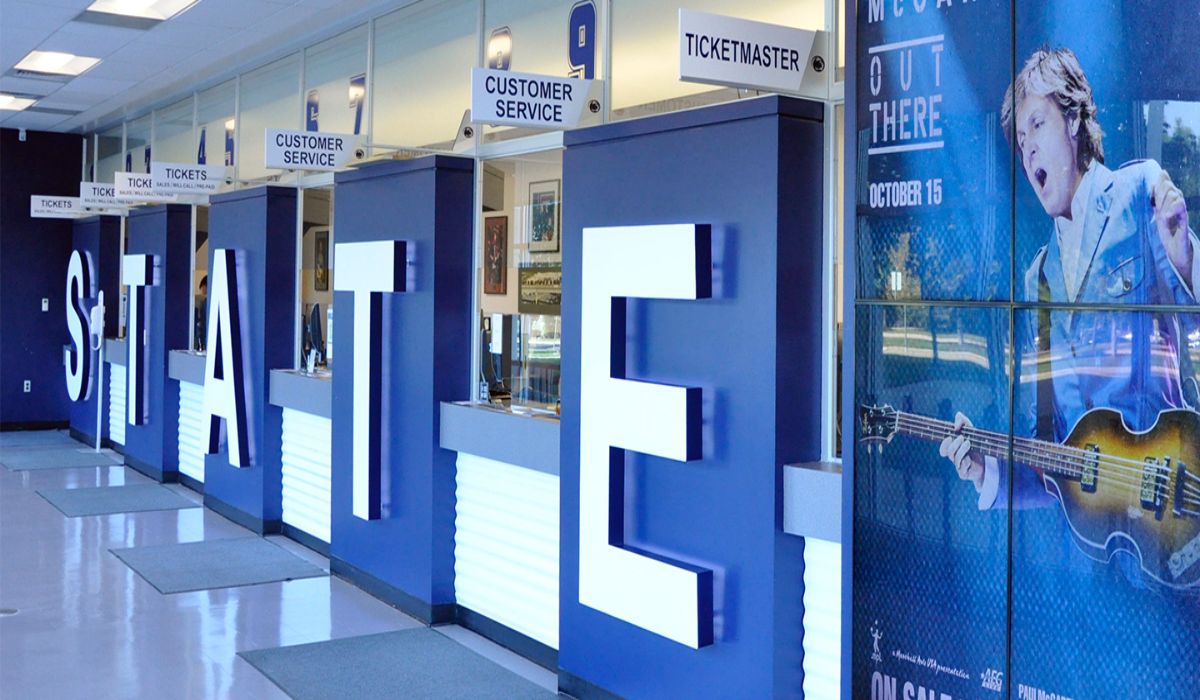
The Bryce Jordan Center Ticket Office is located on Curtin Road between Gates A and B. Fifteen-minute parking is available in front of the Ticket Office.
The Ticket Office is open on event days only, beginning at door time and remaining open until approximately one hour after the event begins. Door times vary by event. Please check the event listing for specific hours.

Purchase Tickets Online
Visit Ticketmaster.com or use the Ticketmaster app to purchase tickets for Bryce Jordan Center events.
Tickets purchased through Ticketmaster are verified tickets. For additional information about accessing and managing mobile tickets, visit our Mobile Ticketing page.

Payment Options
The Bryce Jordan Center is a cashless venue. Guests can pay using credit cards, debit cards and mobile payment methods.
Personal checks, money orders and cryptocurrency are not accepted.
All ticket sales are final. Refunds and exchanges are not permitted unless otherwise specified for an event.
Ticketing Tips & FAQ
Find helpful information about purchasing, accessing and managing tickets for Bryce Jordan Center events, along with answers to frequently asked ticketing questions.
Accessible Seating
Accessible seating is available in multiple locations in the arena. Seating locations vary depending on the event. When ordering accessible tickets, it is important to indicate what type of accessible seat you require, so that we can properly assist you. To purchase accessible seating:
- Visit Ticketmaster online, and select the event. On the map in the upper right corner, click on filters, scroll down select "show accessible seating," and click apply. All ADA seating options will be visible.
- The Bryce Jordan Center Ticket Office also sells accessible seating. Please contact the Ticket Office with questions/concerns regarding accessible seating at (814) 865-5555 or bjc@psu.edu.
The existence of handrails, width, and steepness of steps are a few items you may want to inquire about when choosing a seat location.
In accordance with the ADA, each individual with accessible seating may have a maximum of three (3) companions in the same area.
For assistance with accessibility accommodations during your visit, please stop by Guest Relations at Gate B once inside the venue.
Account Manager Help
Premium and suite ticket holders: log into Account Manager using the same e-mail you've always used (this is separate from your My Account login on Ticketmaster.com).
Log in here: https://am.ticketmaster.com/psubjc/#/
Need help? Contact bjc@psu.edu
Buyer Beware/Resale
Ticketmaster is the official ticketing partner of the Bryce Jordan Center. To help ensure tickets are valid, purchase tickets only through:
- Ticketmaster.com
- Ticketmaster App
Tickets purchased through unauthorized third-party sellers cannot be guaranteed by the Bryce Jordan Center. The Bryce Jordan Center cannot honor, replace or refund invalid tickets.
Customers with invalid tickets are welcome to purchase tickets at the Bryce Jordan Center Box Office - seating location and price based on availability.
Learn how to protect yourself against ticketing scams at Ticketmaster.com.
Child Ticket Policy
The admission policy for children varies by event. Please check with the Ticket Office at (814) 865-5555 or bjc@psu.edu for the age requirement for tickets for the event you are interested in attending.
Mobile Ticketing
For a smooth entry experience:
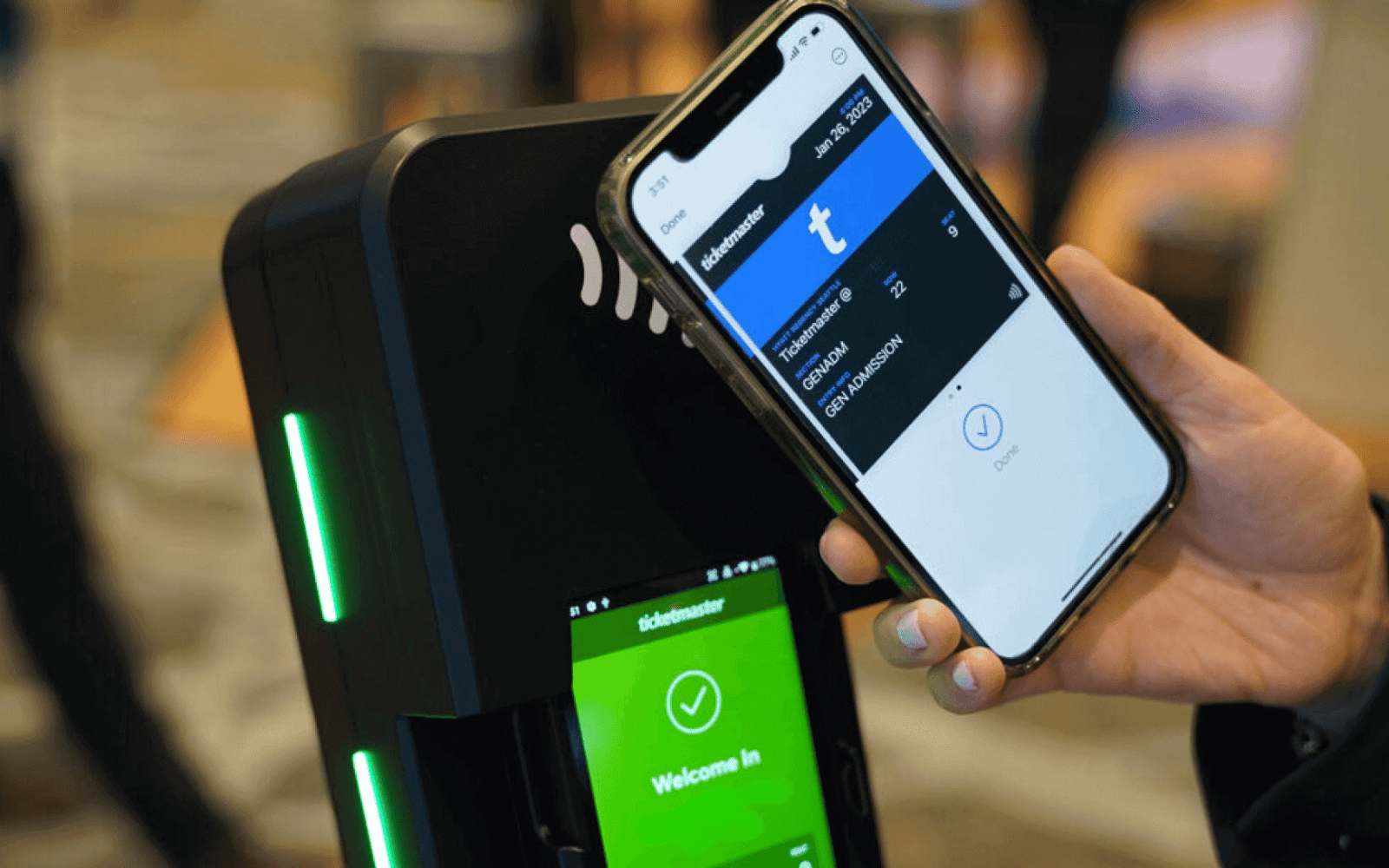
- Access your tickets through the Ticketmaster App or BJC Account Manager (Suite/Premium ticket holders) before arriving at the venue.
- Add tickets to your Apple Wallet or Google Pay in advance.
- Make sure your phone is fully charged.
- Have your tickets open and ready to scan before reaching the entrance.
- If members of your party are arriving separately, transfer each guest their individual ticket in advance.
Transferring Tickets
Ticket Transfer makes it possible to share tickets with your friends and family! Whether you're buying for a group or gifting someone a surprise ticket, you can transfer tickets with a few taps.
- Sign in, select event
- Select "Transfer Tickets"
- Choose tickets
- Enter recipient's name/email + optional note
- Confirm and send
(Recipient needs a Ticketmaster account to accept)